
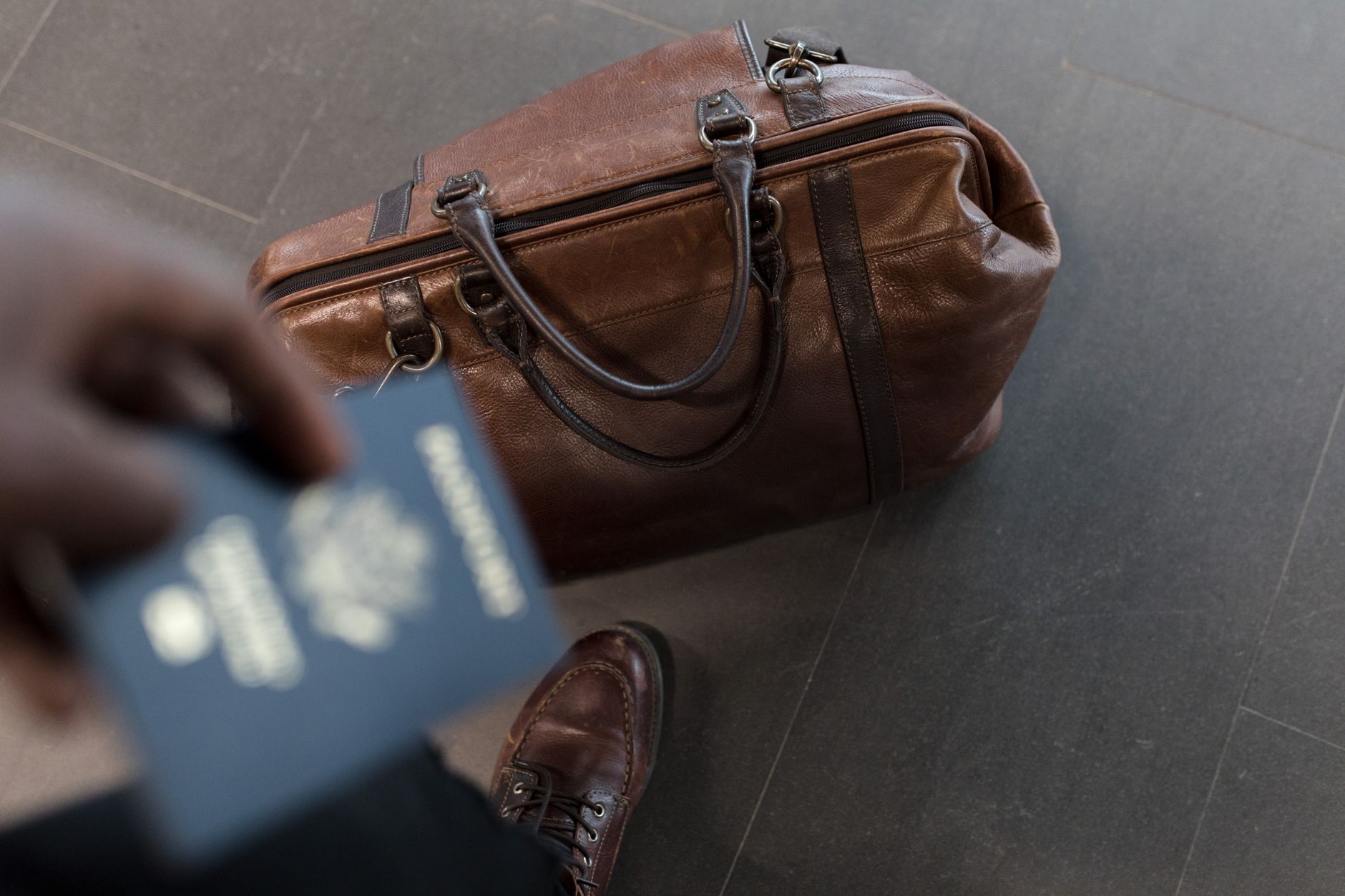
Traveling with your laptop can raise questions about the safest and most practical way to handle it while flying. One of the most common queries is whether you can put laptops in checked luggage. The answer is complex and involves considerations about safety, airline policies, and personal convenience.
This article delves into the various aspects you need to consider when traveling with a laptop, including the risks involved, alternative options, and expert recommendations. It aims to provide you with the practical information you need to make informed decisions about your laptop during travel.
Can You Put Laptops In Checked Luggage?
In general, it is not advisable to place laptops in checked luggage. Most airlines highly discourage it due to the risk of damage, theft, or loss. Laptops contain lithium-battery components that can pose fire hazards. In addition, checked luggage is subject to rough handling and temperature changes that might harm electronic devices.
Some airlines may allow laptops in checked baggage, but it is crucial to check specific airline policies and regulations. Ultimately, keeping your laptop in your carry-on is the best approach for ensuring its safety throughout your journey.
Why You Should Avoid Putting Laptops in Checked Baggage
There are several reasons you should avoid putting your laptop in checked luggage:
- Risk of Damage: Checked luggage is often subjected to harsh handling, leading to potential physical damage to your laptop.
- Heat and Humidity: The cargo hold of an airplane can experience temperature fluctuations that may affect your laptop’s performance.
- Increased Risk of Theft: Laptops are valuable targets for theft, and checked luggage is more susceptible to being tampered with.
- Liability Issues: Airlines may have limited liability for lost or damaged items packed in checked luggage.
Airline Policies on Laptops in Checked Luggage
Each airline has its policies regarding electronic devices, including laptops. Here’s a general overview:
- Most Airlines Prohibit Laptops in Checked Baggage: The majority of major airlines advise against placing laptops in checked luggage. For example, carriers like Delta and American Airlines strongly recommend packing laptops in your carry-on.
- Check for Specific Regulations: Different countries may impose unique regulations concerning electronics in luggage. Always check the airline’s website or contact them directly for the most current information.
- Exceptions: Some budget airlines may have more lenient policies regarding checked items, but this doesn’t alter the risks involved.
Practical Tips to Carry Your Laptop on a Flight
If carrying your laptop in a carry-on is the advisable route, follow these tips to ensure its safety:
- Use a Padded Laptop Sleeve: A good quality padded sleeve can offer additional protection from bumps and knocks.
- Avoid Overpacking: Overstuffing your bag can increase pressure on your laptop, increasing the risk of damage.
- Stay Organized: Keep your laptop separate from other items to facilitate quick screenings at security.
- Check Temperature Limits: Avoid exposing your laptop to extreme temperatures in transit.
Alternatives for Traveling with Laptops
If you must pack your laptop in checked baggage, consider these measures to minimize risk:
- Remove Batteries: If possible, remove your laptop’s battery and pack it in your carry-on.
- Wrap It Carefully: Use bubble wrap or soft materials to cushion your laptop before placing it in a sturdy hard-case bag.
- Use Airline-Approved Locking Cases: Some cases are designed to keep electronics secure; use these if you must check your laptop.
- Backup Important Data: Save all essential files to the cloud or external drives to prevent loss in case of damage.
Dealing with Airport Security
When traveling with a laptop, navigating airport security can pose challenges. Here’s how to handle the process smoothly:
- Prepare for Screening: Most security checkpoints will require you to remove your laptop from your bag for separate screening.
- Keep It Accessible: Place your laptop in a section of your bag that’s easy to reach to expedite the security process.
- Know Your Rights: If you believe your laptop is being unreasonably searched or handled, ask for supervision or clarification on policies.
Traveling with Multiple Devices
Traveling with not just a laptop but tablets and smartphones requires extra consideration. Here are tips on managing your tech gear:
- Prioritize Essential Devices: If you don’t need all your devices, consider bringing only the essentials.
- Use a Tech Organizer: Keeping cables, chargers, and accessories neatly organized will save time and prevent tangles.
- Charge Them Up: Make sure all devices are charged to avoid power issues during your journey.
International Travel Considerations
Traveling internationally introduces additional factors regarding laptops:
- Custom Regulations: Be familiar with customs regulations of the country you’re visiting regarding electronic devices.
- Power Adapters: Ensure you have the right power adapters and converters for different electrical systems.
- Export Rules: Some countries may have rules regarding the bring-in of electronics, so read up on those before heading off.
In Case of Loss or Damage
Despite best efforts, loss or damage can occur. Here’s how to prepare:
- Insurance: Consider purchasing travel insurance that covers electronics.
- Document Important Information: Keep a record of your laptop’s serial number and other identifying features handy for quick reporting.
- Know Your Rights: Familiarize yourself with your airline’s policy on lost or damaged items.
Conclusion
Traveling with a laptop presents distinct challenges, but with proper planning, you can ensure its safety and functionality during your trip. Following airline guidelines, packing thoughtfully, and preparing for security checks will make the process smoother.
For travelers needing to transport laptops, it’s safest to keep them in your carry-on luggage. This will reduce risks and allow for better accessibility through your travels. Remember to check your airline’s policies and prepare accordingly to mitigate loss or damage effectively.
If you’re interested in more travel tips, check out our article on fluid ounce limits for carry-ons at fluid ounces allowed on a plane and learn about carrying dry shampoo in your bag at dry shampoo carry-on guidelines.